
Preserve enough context to let a person continue without reconstructing their task.
WEATHER WINDOW / MOBILE APP DEVELOPMENT
A good app
reads the
conditions.
We design mobile products that stay useful when a person’s connection, attention, location or available time changes.
Read the conditions
01 / CONDITIONS BOARD
One useful
action for
the weather.
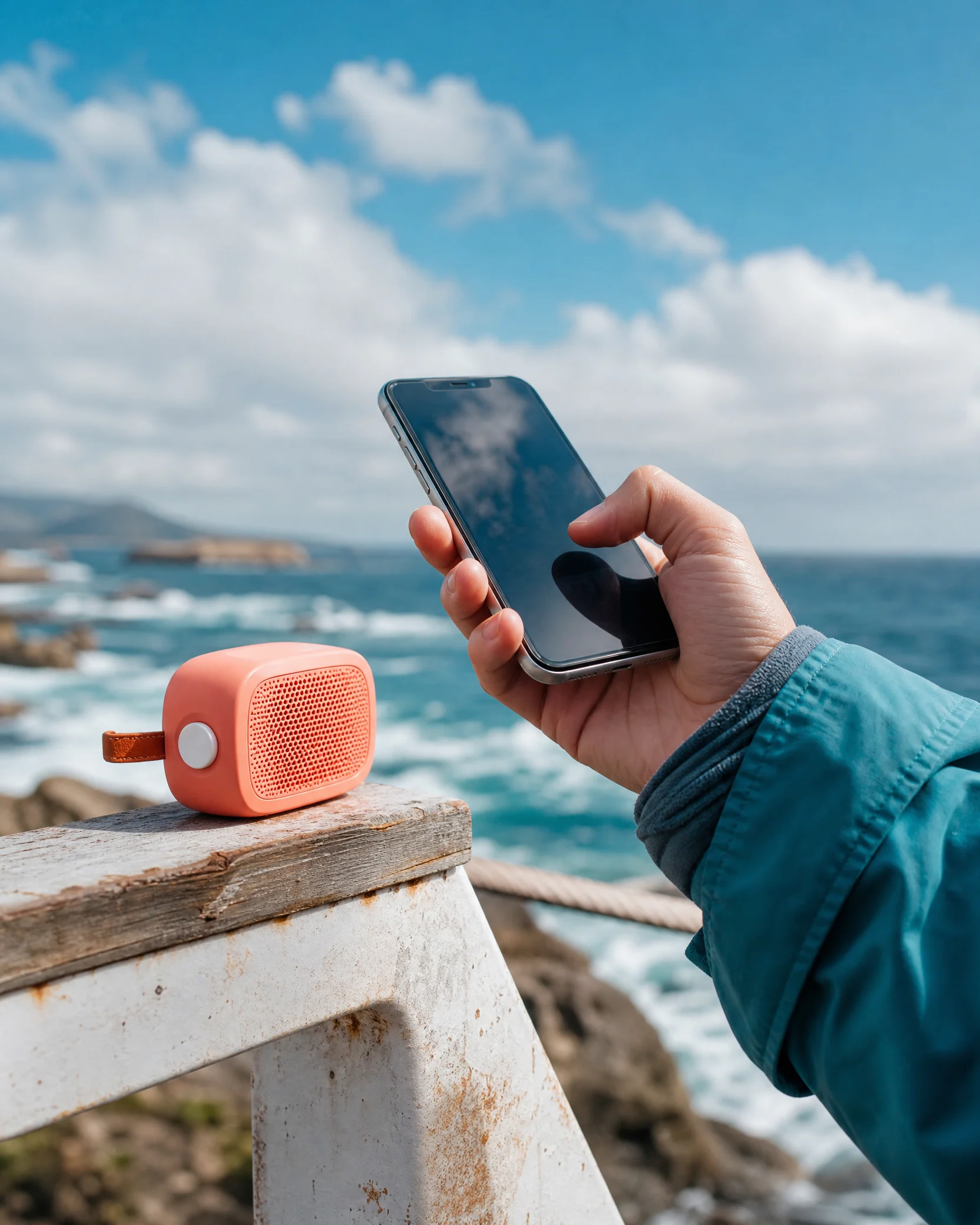
A mobile moment is rarely ideal. Choose a condition to see what the product needs to preserve before adding another feature.
02 / POCKET FORECAST
Design for
the moment
in the hand.
A forecast is not a promise about perfect conditions. It is a shared view of what the product must protect when the real world refuses to hold still.
Use plain language to explain the state of a task, connection or handoff.
Give a deliberate deferral path rather than turning unfinished work into a silent error.
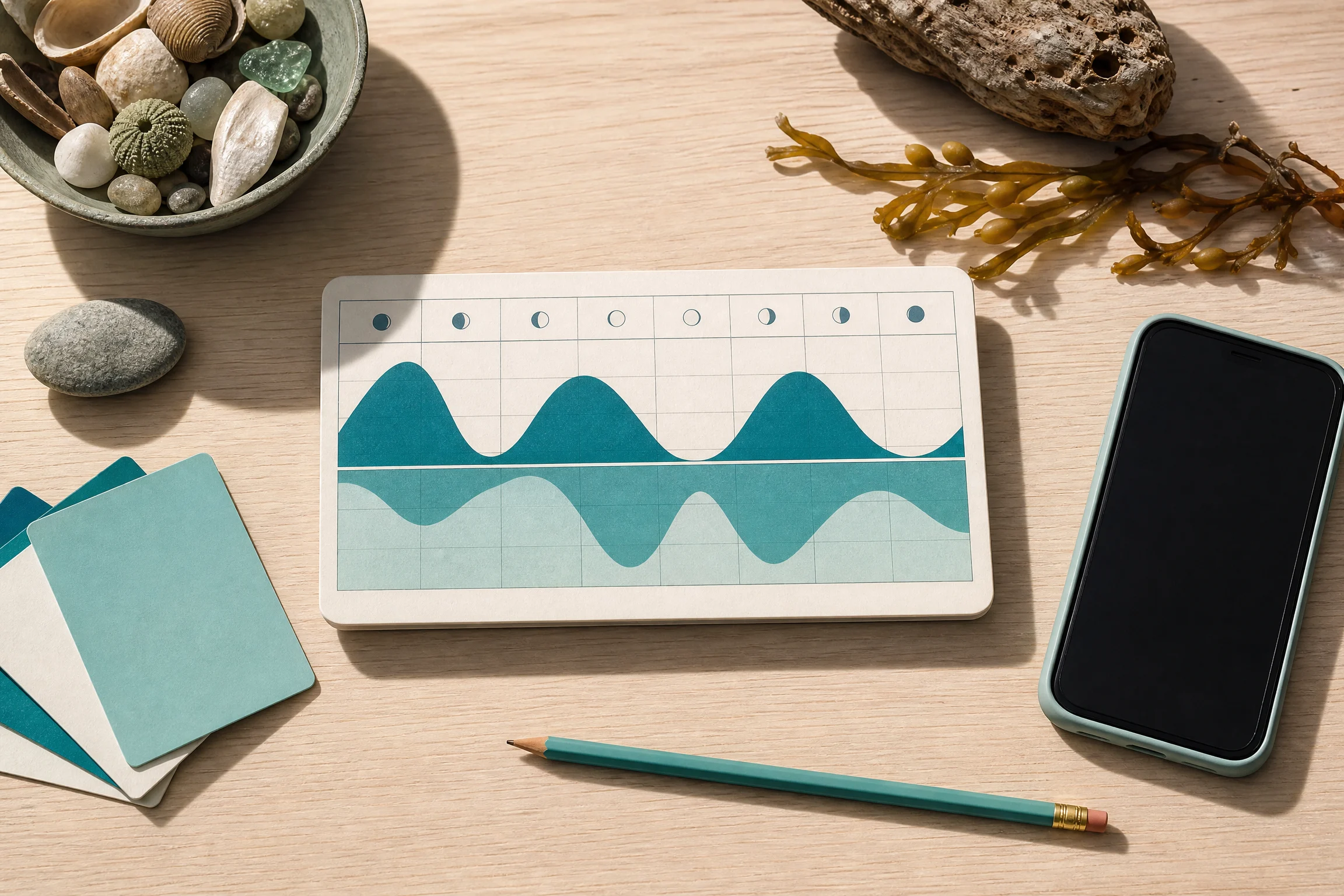
03 / TIDE TABLE
Follow the day,
not a generic
journey.
FIRST LOOK What is useful before the person is ready to settle in?
BETWEEN THINGS What can happen in a safe, short working window?
OFFLINE EDGE What remains clear when the network and attention both recede?
RETURN How does a person resume without a scavenger hunt?


04 / SIGNAL BUOY
Let the product
say what it
knows.
A status moment should orient, not alarm. Move the signal dial to test the language a product can use when its conditions change.
CALM / WORKING NORMALLY
Keep the normal state quiet and useful. A person needs confidence in the next action, not a decorated report that nothing is wrong.
05 / SHELTER KIT
Give the
small task a
safe place.
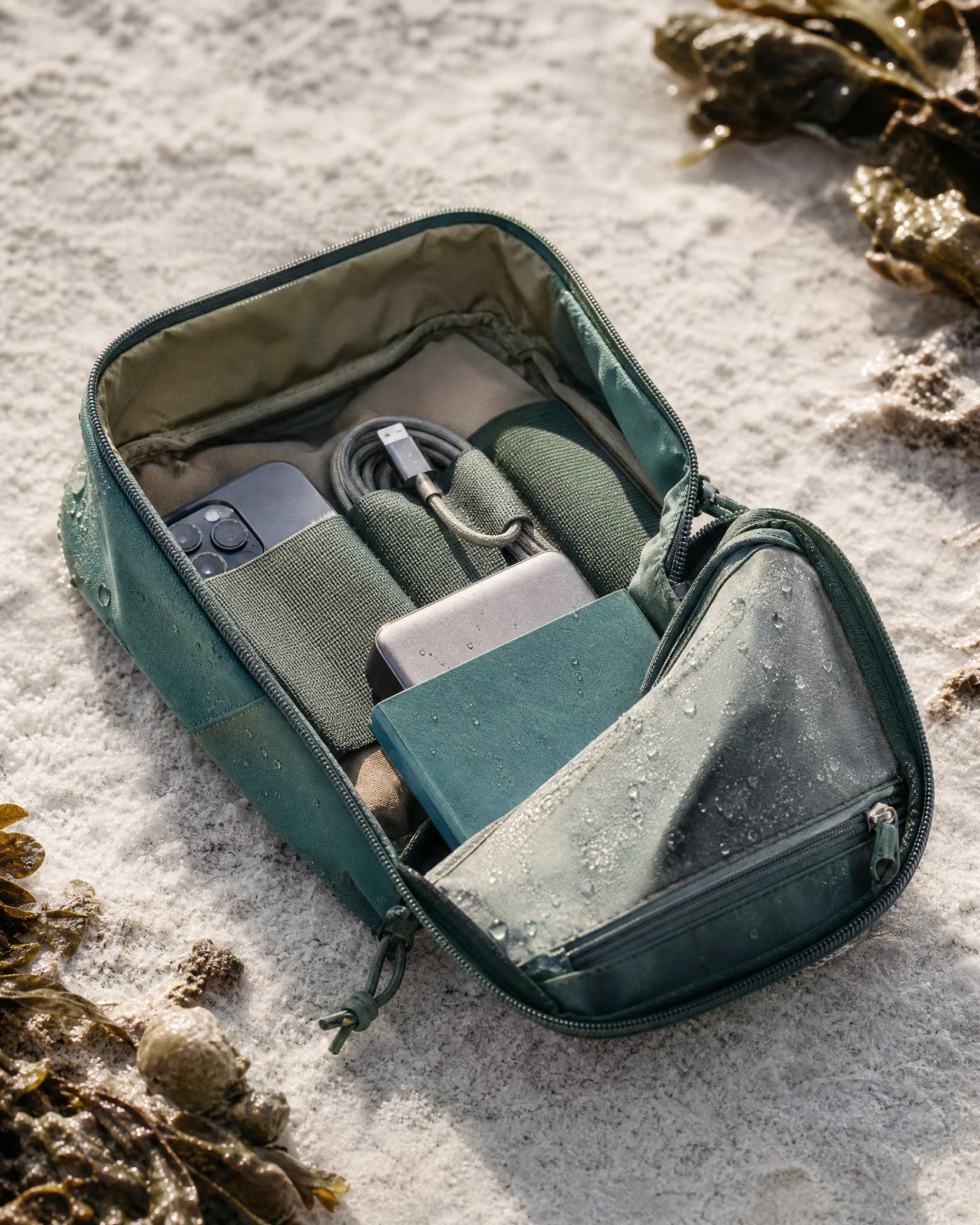
Keep a careful short-form action available without assuming a continuous connection.
Make saved, pending and failed states distinguishable at a glance.
Give unfinished work a clear home when the person has the time to return.
06 / ACCESSIBILITY FORECAST
Access is part
of the weather.
Text size, contrast, touch reach, assistive technology and cognitive load change the conditions of a mobile task. They belong in the brief, not after the interface is already finished.
- Write labels that name the action and state.
- Keep touch targets comfortable at the edge of the screen.
- Let focus, status and error messages arrive in a clear order.

07 / STORM CABINET
Open the
friction before
it becomes a storm.
The request can be started but not finished.
Make the pending state visible, preserve a safe draft and explain what needs to happen before completion. Never leave the person guessing whether the work disappeared.
The product needs location but the moment does not.
Ask only when location has a clear immediate benefit. Give a meaningful alternative rather than using a blocked permission request as a dead end.
People abandon a repeated mobile task.
Watch the task in its actual time window. The problem may be an interruption, touch reach, missing context or a promised return rather than a single screen.
08 / FAQ FRONT
Useful answers
for the app in
the real world.
Start with the smallest end-to-end task that gives a person a tangible useful outcome. Define its normal, interrupted and return conditions, then keep other ideas visible as deliberate later options rather than half-built clutter.
At the moment a task could reasonably be interrupted by connection loss or a poor working environment. Offline design is not always a full duplicate product; it is a clear decision about what can safely remain available and what must wait.
Test near the actual condition: one hand, a noisy setting, a brief time window, a weak connection or a return after an interruption. A long quiet desk session cannot reveal every friction that a phone creates in daily use.
State what happened, what remains available and what the person can do next. Avoid generic failure language when the product can explain a specific action, a waiting state or a recovery path.
09 / SERVICE LOG
Bring the
next mobile
moment to shore.
Bring a product that needs a clearer first release, a task that disappears under real conditions or an app flow that needs a more respectful return path.

10 / CLEAR SKIES